Logs
Detection Logs and FFmpeg Logs
Two tabs of the Operations page give access to the logs that matter when hardware acceleration or a transcode does not behave as expected.
Detection Logs
Each run of hardware detection keeps its own log, and the tab lists them newest first. Once remote hosts have written logs, GPU Host selects the machine whose logs are listed. The logs of a host that was removed stay available, listed as Remote host with its ID.
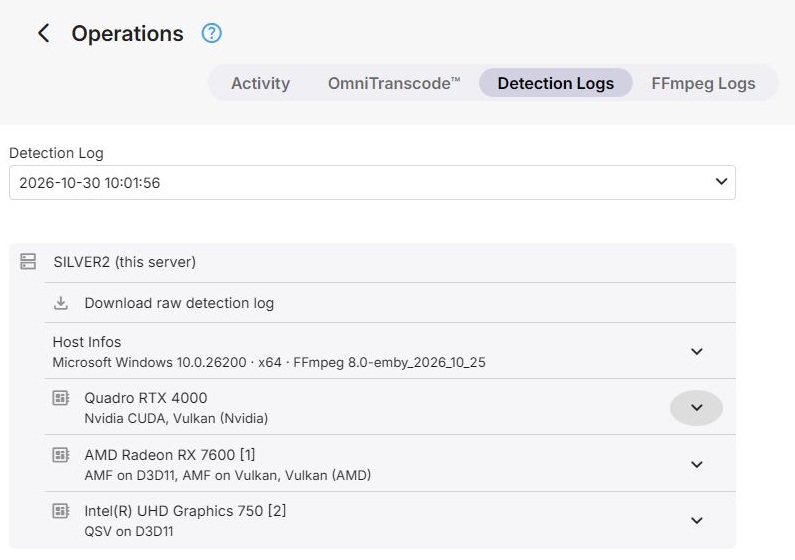
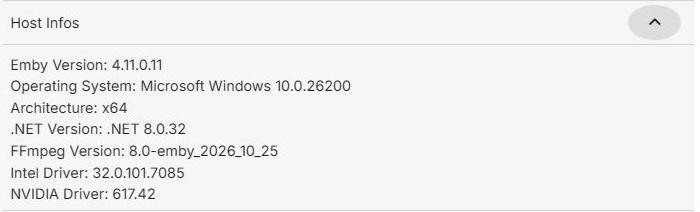
An opened log starts with Host Infos - the Emby Server version, the operating system and architecture, the .NET and FFmpeg versions, and the installed Intel, Nvidia and AMD driver versions - followed by a section for each GPU with what detection found on it. Download raw detection log saves the complete file.
FFmpeg Logs
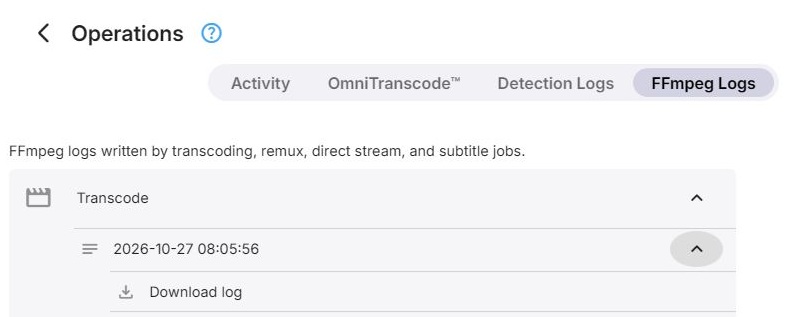
FFmpeg writes a log for every transcode, remux, direct stream, subtitle extraction and subtitle conversion. The tab groups the logs by kind, and within that by job, since a job can write more than one log file. An opened file shows its first 80 lines; Download log saves the whole file.
Further Reading
Reading a transcoding log
Driver-dependent media capabilities